Vehicle rental
Fleet, bookings, the three jobs that appear when you confirm, and returns.
How to set up your shop, take bookings, get the work done and get paid.
A new account walks a short tour on first login: add one thing you rent out, see where bookings live, then your contact details and how you take payment. Four steps for a rental shop, six for trips, and you can stop after any of them.
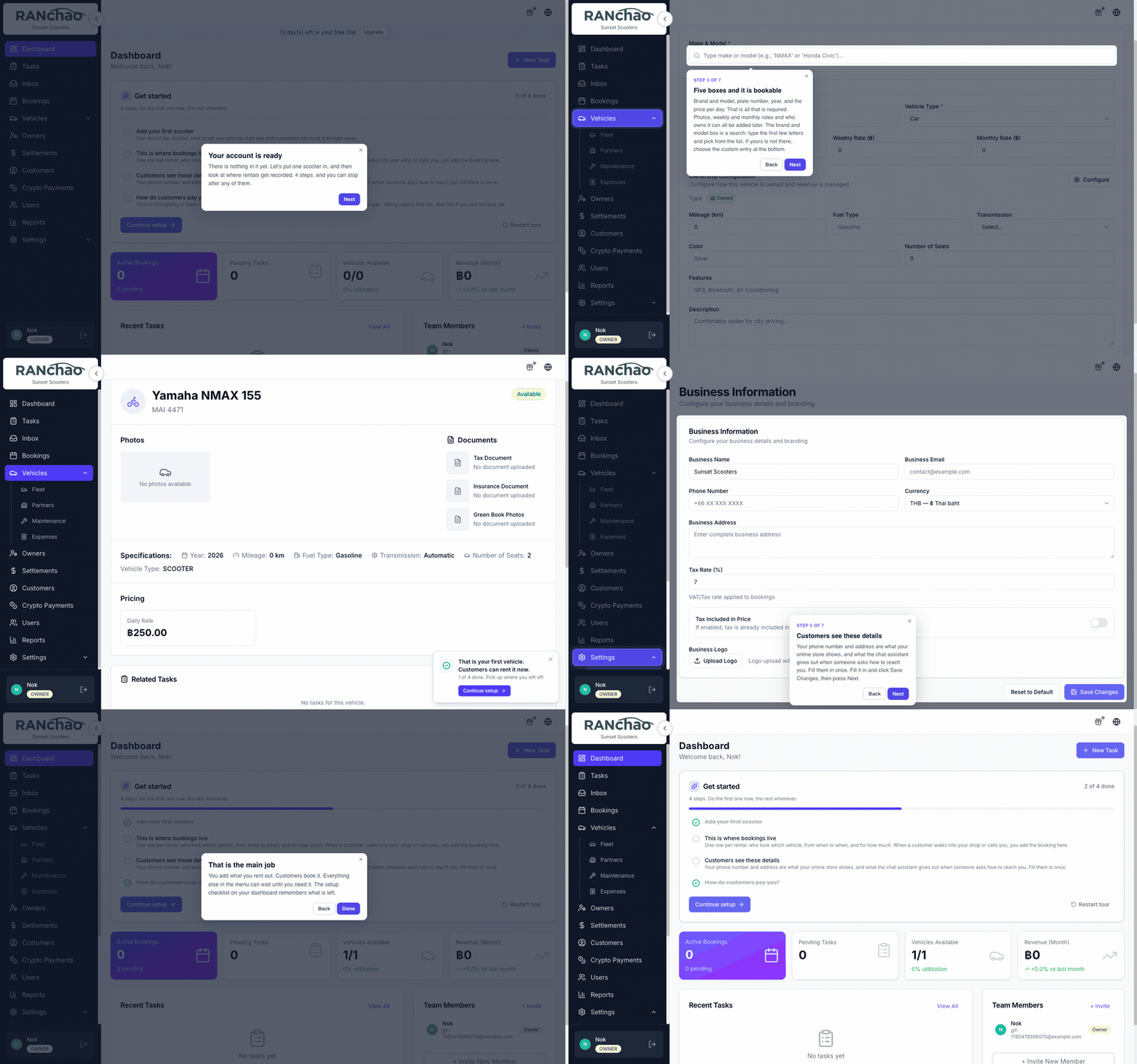
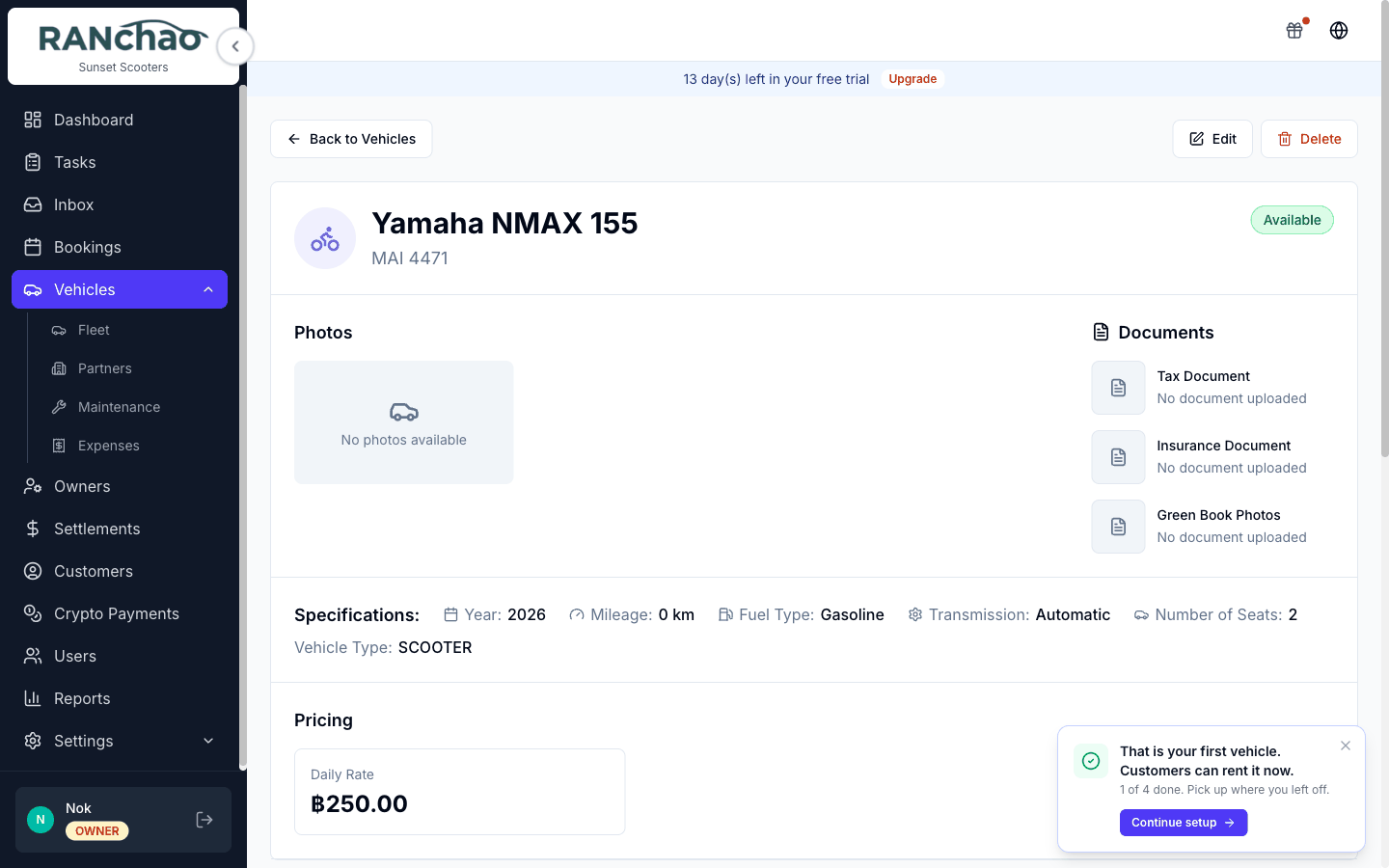
If you leave halfway through, for example because you went off and actually added a vehicle, a Continue setup bar follows you until you come back to it or dismiss it. Resuming picks up at the next thing, not the one you just did.
The same checklist lives on the Dashboard afterwards and tracks itself from your real data, so a step ticks off when the thing exists, not when you clicked past it. Restart tour on that card runs it again.
If you are setting the shop up, start with A day as the owner — it walks the settings in the order you will need them.
If the shop is already running and you work in it, go straight to your day: vehicle rental, trips and tours or property rental.
And Where do I turn that on? is the page to search when you know what you want and not where it lives.